
CVD Education Management System
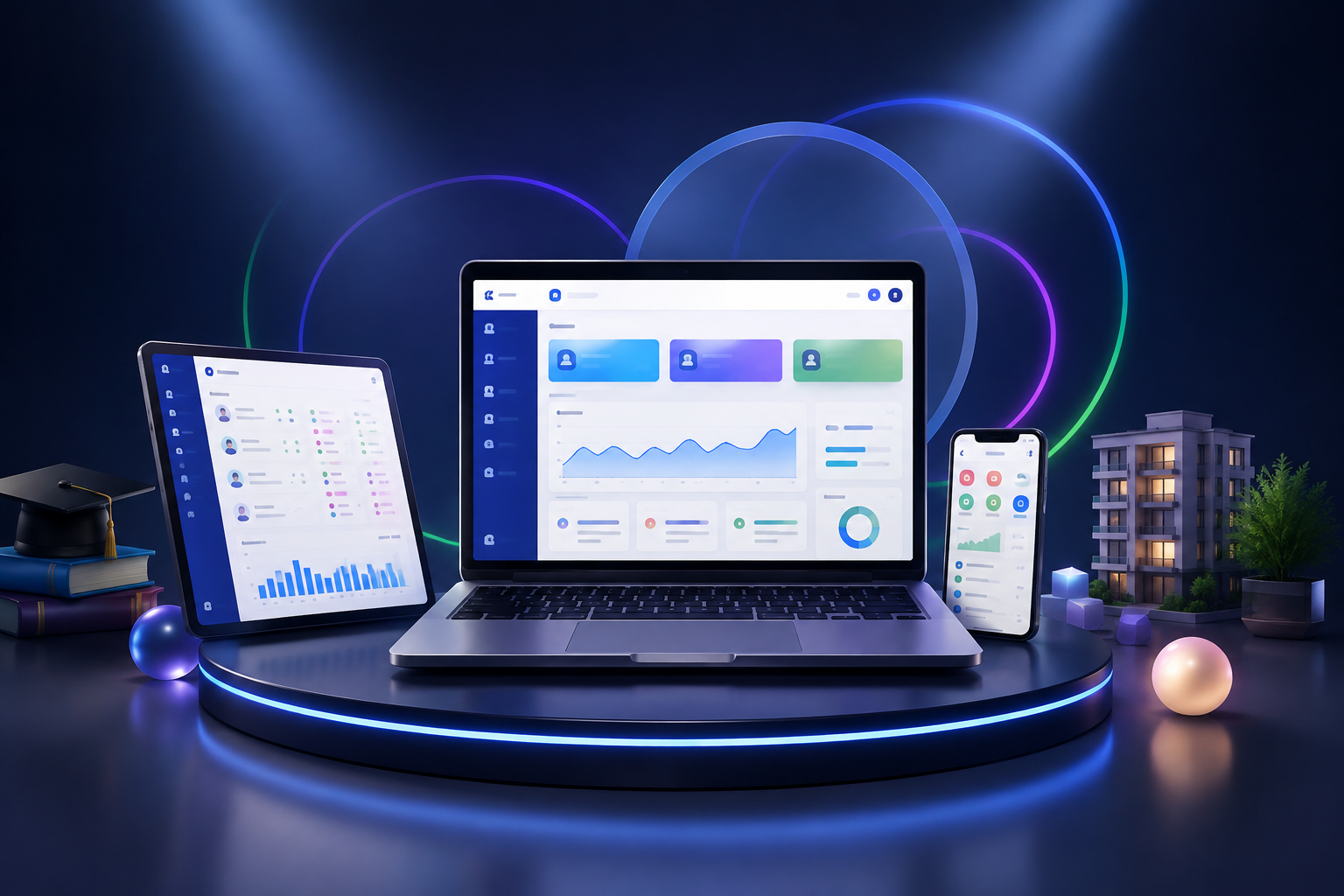
CVD Education Management System brings students, parents, teachers, classes, attendance, exams, homework, report cards, accounting, transport and internal communications together in one panel.
Your license and secure download become available in your account after bank transfer approval.
Description
CVD Education Management System is a comprehensive platform for private schools, course and tutoring centers, kindergartens, nurseries and specialist education institutions.
Manage students, parents, teachers, staff, classes and class groups. Link students to parents, classes and teachers, and restrict users to authorized modules and student records.
Teachers can enter timetables, exams, grades, homework, absences, report cards and daily development records. Parents and students can view academic information, announcements, payments and daily records in their own panels.
Track fees, installments, collections, income, expenses, overdue payments and receipts in the accounting module. QR attendance, student cards, transport, counseling, health records, events, galleries, notifications and parent appointments bring core operations together.
A modern mobile, tablet and desktop interface, PWA support, secure API, role-based permissions and CVD licensing support educational institutions' digital transformation.
Package features
| Student management | Manage student details, photos, classes, parents, teachers and fees. |
| Parent management | Track mothers, fathers, contact details and student links in one panel. |
| Teacher management | Manage teacher records, subjects, classes and students. |
| Role-based panels | Includes administrator, teacher, parent, student, accounting, staff and student-management roles. |
| Multiple class groups and classes | Assign multiple class groups, classes and teachers. |
| Timetables | Prepare teacher and student timetables. |
| Exams and grades | Track exams, course grades, comments and achievement. |
| Homework tracking | Assign homework and monitor completion. |
| Attendance | Record daily or lesson-based student attendance. |
| QR attendance | Record student arrivals and departures using QR codes. |
| Online report cards | Create report cards with grades, averages, teacher comments and behavior assessments. |
| Nursery daily tracking | Record meals, sleep, water intake, toileting, temperature, mood and activities. |
| Counseling module | Manage student and parent meetings, risk levels and follow-up dates. |
| AI risk analysis | Assess student risk based on grades, attendance and homework. |
| Parent appointments | Schedule teacher–parent meetings and appointments. |
| Accounting management | Track fees, collections, installments, income, expenses and cash movements. |
| Receipts and agreements | Prepare student-specific payment receipts and enrollment agreements. |
| School transport tracking | Record vehicles, drivers, routes and student boarding/drop-off. |
| Secure pickup records | Record who collects a student, their relationship, photo and pickup time. |
| Health records | Track allergies, medication, health conditions and emergency information. |
| Announcements and messaging | Send announcements, messages and in-app notifications. |
| Events and galleries | Manage events and student photo/video albums. |
| Document management | Upload and store student documents securely. |
| Mobile-friendly PWA | Use the system on phones, tablets and desktops, or add it to the home screen as an app. |
| Secure API | REST API with time-limited tokens for mobile applications. |
| Secure file uploads | Validate file extensions, MIME types, sizes and content consistency. |
| Backups | Create database backups and allow authorized administrators to restore them. |
| Secure installation | Includes a lockable setup wizard for creating the database and administrator account. |
| Privacy and KVKK pages | Includes privacy, Turkish personal-data protection (KVKK) information and terms-of-use pages. |
Frequently asked questions
Can I try a demo?
Request a demo; once approved, your time-limited demo license will appear in your account.
Which institutions can use it?
Private schools, course centers, tutoring centers, kindergartens, nurseries, rehabilitation centers and specialist education institutions.
Can teachers, parents and students sign in separately?
Yes. Each user has a separate account and role-based panel.
Do teachers see only their own students?
Yes. Teachers can access only student records assigned to them.
Can parents track multiple children?
Yes. Link multiple students to the same parent account.
Does the system work on phones?
Yes. It supports phones, tablets and desktops.
Can it be used as a mobile app?
PWA support lets users add it to their home screen. An API is also available for mobile app integration.
Is QR attendance supported?
Yes. Student QR cards and arrival/departure attendance are supported.
Can I track payments and installments?
Yes. Track student fees, collections, installments and overdue payments.
Are online payments available?
The system provides a framework for PayTR or iyzico integration. Merchant credentials must be configured separately for live use.
Can I change the institution name and logo?
Yes. Institution details and system settings can be customized for the customer during installation.
Is the data secure?
The system uses role-based access, CSRF protection, secure sessions, strong passwords, secure uploads and time-limited API tokens.
Are backups supported?
Yes. Create SQL backups from the admin panel. External automatic backups are also recommended for live use.
Is installation support available after purchase?
Yes. Installation services may be provided depending on the selected license and support package.